Recent Release-Notes
What's new in version 2.12.0
Tags
You can now tag people — Family, Work, or anything you like, each with its own color. Tags show up right in your list under the person’s name. Tags are a Premium feature.
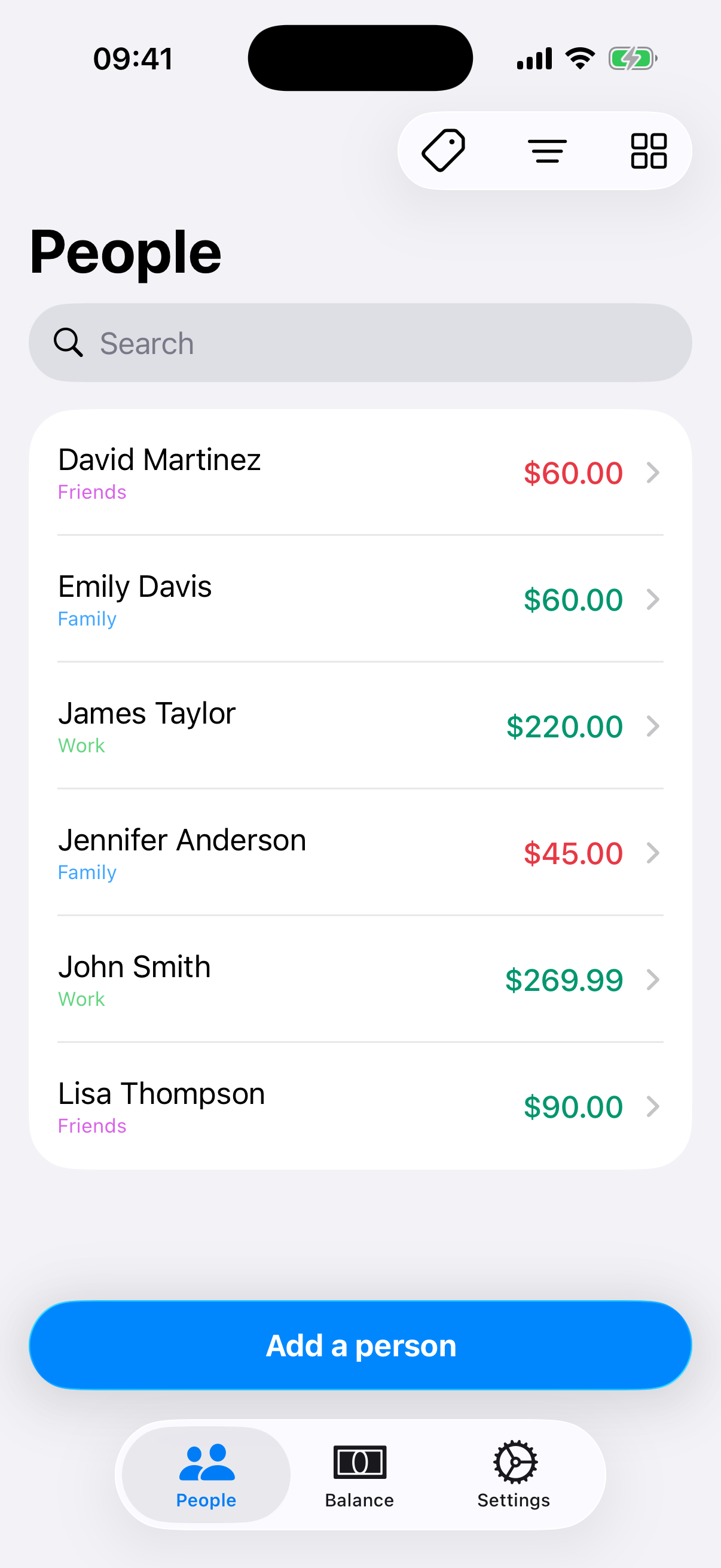
Manage tags from the person’s edit screen: create, rename, recolor, or delete them.
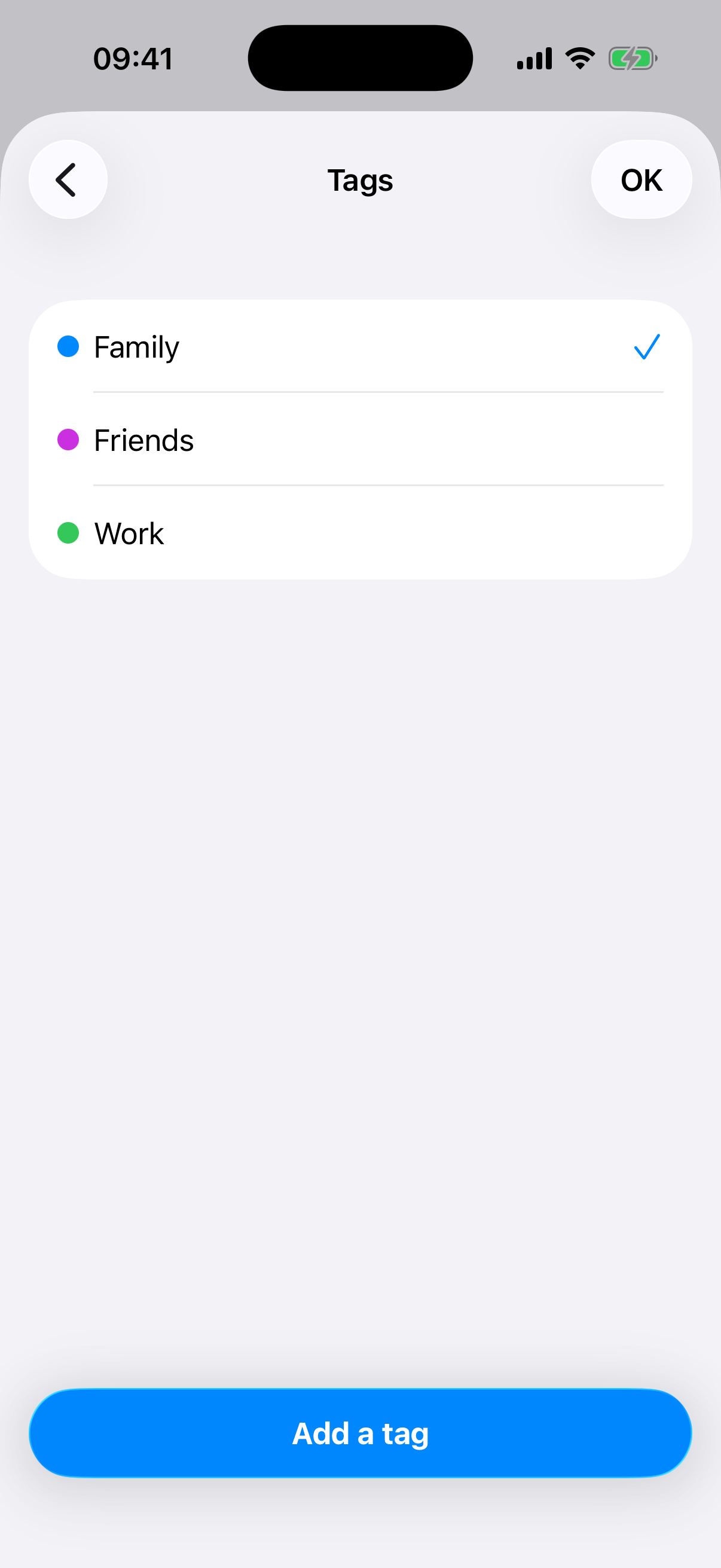
Filter by tags
Once tags are assigned, a filter appears above your list — see only Family, only Work, or any combination.
What's new in version 2.10.0
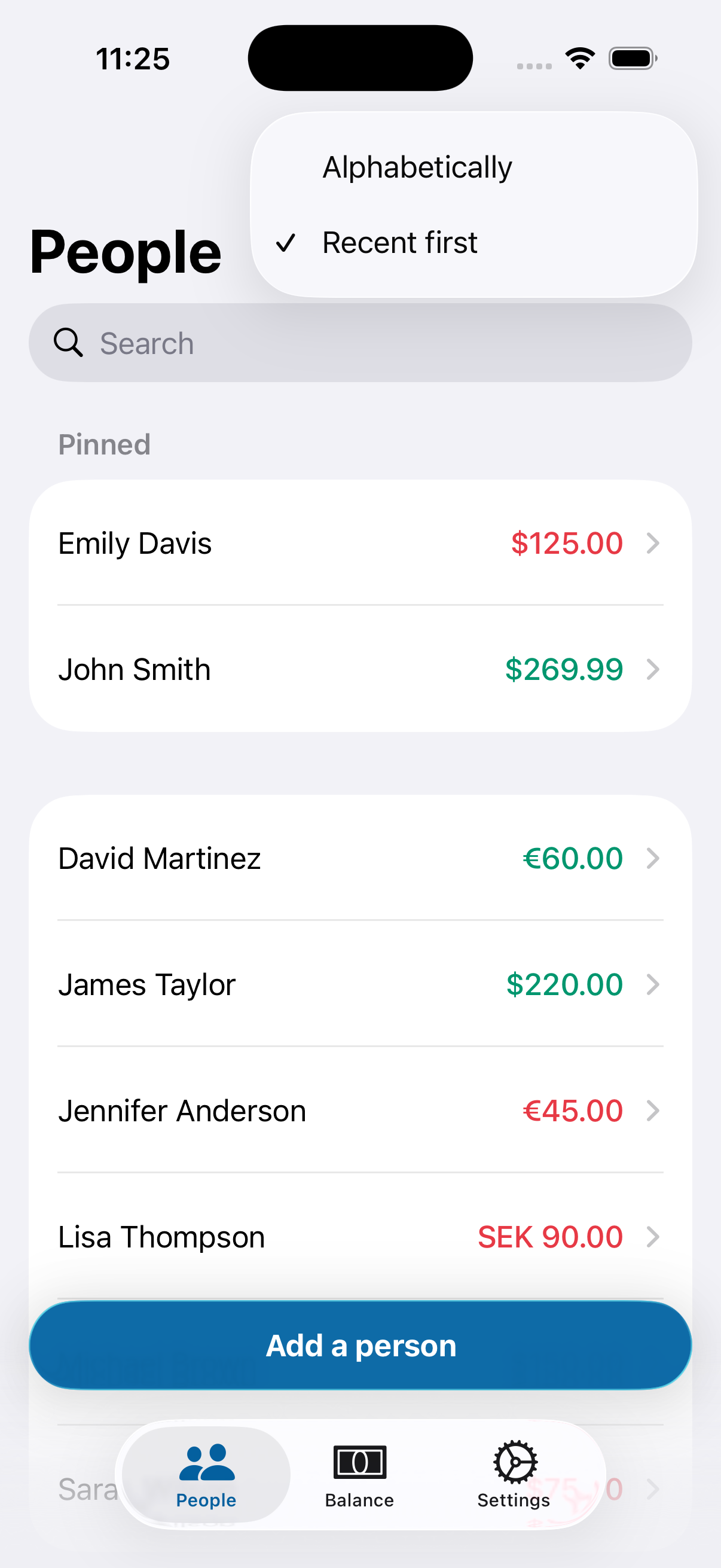
Sort by most recent
You can now sort your debts by most recent activity.
Note: the ‘recent first’ order will update as you interact with your debts the first time after the update.
Card view
A new card view option is now available for displaying your debts. It works similar to how widgets look, so it should feel familiar. Card view also lets you add transactions with one less tap — go straight to the transaction sheet without opening the person’s page first.
What's new in version 2.7.0
Transaction images
You can now add a picture to a transaction to help you remember what was the transaction about.
To protect your privacy, the app uses a photo-picker API that can only access the images you explicitly select. Because of this restricted access, taking a picture directly from the app is not yet available.
Don’t hesitate to send your feedback to [email protected]